
A well-planned HOA newsletter keeps neighbors informed, reduces confusion, and builds trust. With a clear calendar and the right metrics, you can improve each issue instead of guessing.
Why Plan the HOA Newsletter?
Community life moves fast. Board decisions, maintenance work, and seasonal reminders compete for attention. Without a plan, updates get lost, and residents tune out.
A simple structure will change that. When your HOA newsletter follows a steady rhythm, homeowners know what to expect and where to find it. That predictability lifts readership and cuts repeated questions to the office.
It also protects your time. A calendar and a short checklist stop last-minute scrambles and keep messages aligned with board priorities.
Build a Calendar

Start with a three-month view. Map board and committee meetings, planned projects, and recurring services. Add holidays, pool schedules, and seasonal tasks that matter in Southern California.
Next, slot content types against dates. Reserve space for board actions, compliance reminders, event notes, and quick how-tos. Give each issue one lead topic, two supporting items, and one light feature, like a resident spotlight or a staff Q&A.
Keep it flexible. Leave a small space for late items, then lock the rest a week before sending. This balance keeps your HOA newsletter timely without being chaotic.
Set the Cadence
Cadence depends on community size and activity. Large communities with busy calendars may need a biweekly email. Smaller communities often succeed with a monthly send.
Local context matters. Fire season, heat waves, and water restrictions require quick reminders. During those times, send short, targeted updates between regular issues. Clear, calm notes help residents prepare and reduce rumor cycles.
Aim for consistency. Same day of the week, similar send time, familiar layout. Readers form habits when your pattern holds.
Plan by Season

Tie your calendar to the board cycle. Plan summaries after meetings, and set expectations for the next agenda without lobbying or debate.
Use seasonal patterns. In spring, share irrigation checks and landscape rules. In summer, focus on pool safety and guest policies. Fall is ideal for budget timelines and reserve study notes. Winter can cover storm readiness, roof checks, and holiday decoration guidelines.
Coordinate with vendors. If asphalt work is scheduled, map notices across three touches: early heads-up, specific timing, and day-of reminder.
Create Trusted Sections
Recurring sections help readers scan. Keep them consistent in name and order so people can find what they need fast.
- Board Decisions at a Glance
- This Week’s Projects and Closures
- Safety and Preparedness Corner
- Amenity Hours and Tips
- Quick Compliance Reminders
- Community Highlights or Volunteer Spotlight
Use short paragraphs and scannable headers. Aim for clarity over cleverness.
Design for Phones

Most residents read on phones. Make sure your newsletter can be easily read using these devices. For this, you can use a single-column layout, large buttons, and short headlines. Keep images small and add alt text for accessibility.
For fonts, choose ones that are clean and legible. Contrast should be strong enough for bright outdoor screens. Test it on your own phone before you send.
If you hand out print copies, keep the same structure. A one-page front and back layout works well for lobbies and mailrooms.
Write and Edit Well
Plain language wins. Write as if you are explaining the issue to a friend across the fence. Use active verbs and direct calls to action.
After you have your content, edit them with care. Trim long sentences, swap jargon for everyday words, and verify dates and locations. You can also read them out loud to catch awkward phrases.
Additionally, keep in mind that one matters. Firm but friendly is the goal. Residents should feel informed, not scolded.
Use Media Wisely
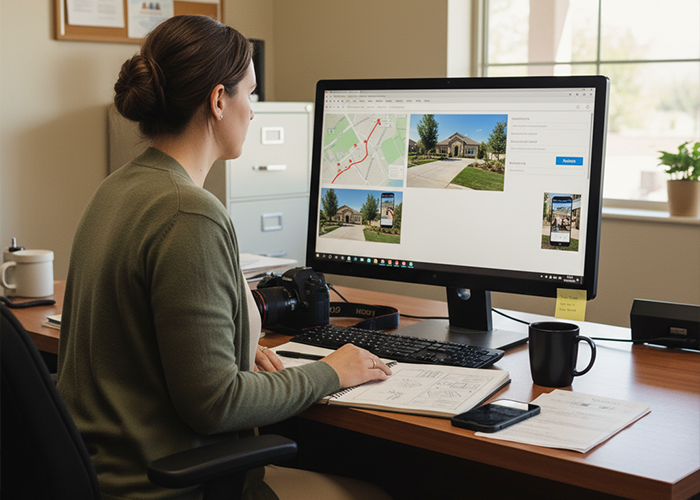
Use images with purpose. A map of detours beats a paragraph. A photo of a repaired entryway shows progress better than a line of text.
Short clips work well for quick demos, like using the new gate app. Add captions for silent viewing and keep file sizes small.
Use Every Channel
Meet people where they are. Email is the backbone of most HOA communications. Your community portal adds permanence and a searchable archive.
For common areas, a tidy print version helps reach folks who prefer paper. Social posts can point back to the core message, not replace it. Keep your HOA newsletter as the official source of record.
Track the Right Metrics

Metrics show what lands and what needs work. Focus on numbers that reflect attention and action. Track them the same way for each issue.
- Open rate shows subject line clarity and sender trust
- Click-through rate shows interest in details and links
- Read time and scroll depth show content length fit
- Unsubscribes and spam complaints show fatigue or relevance issues
- Delivery rate checks list health and email setup
For print, add QR codes for sign-ups and surveys. Track scans to estimate reach.
Make a Dashboard
Pick one home for your numbers. Email platforms such as Constant Contact or Mailchimp provide opens, clicks, and list health. Your portal or website can track views and time on page. A simple spreadsheet ties it together.
Create a one-page dashboard with five items: open rate, click-through rate, top link, read time, and unsubscribe count. Add a short note on what you will change next issue.
Review after each send. Trends matter more than single points. Celebrate wins, then keep improving.
Set Benchmarks

Benchmarks vary by list size and community type, but targets help. For many HOAs, a 45 to 60 percent open rate is realistic when lists are clean and subject lines are clear. Click-through rates of 8 to 15 percent are common when content is useful and links are obvious.
Unsubscribes should be low, often under 0.5 percent per send. If that number rises, reduce frequency or tighten relevance. Keep subject lines clear and short, around 40 to 60 characters.
Aim for a read time of one to three minutes. If the scroll depth drops early, your content may be too long or the lead item may not match the subject.
Act on Results
Use a small playbook. If opens dip, test a clearer subject line next time. If clicks lag, move key links higher and use more direct button labels.
When one topic drives strong clicks, bring it back with a new angle. If a section gets little attention for three issues in a row, cut or refresh it.
Share a brief summary with the board. One paragraph on what worked and what you will try next keeps everyone aligned.
Mind Governance and Tone
Your HOA newsletter should respect laws and community rules. Keep resident data secure and use email lists only for association business. Follow a clean opt-in process and an easy opt-out.
Be fair and neutral. Avoid endorsing contractors or services unless board-approved and properly disclosed. Use images you own or have permission to use.
When discussing violations or rule reminders, focus on the rule and process. Never name residents or hint at identities.
Handle Urgency
Emergencies do not wait for the next issue. Build a separate template for urgent alerts. Keep copy short, include who to contact, and list the next steps.
After the event, summarize actions taken and what comes next in the regular HOA newsletter. This reinforces trust and shows follow-through.
Reuse and Archive
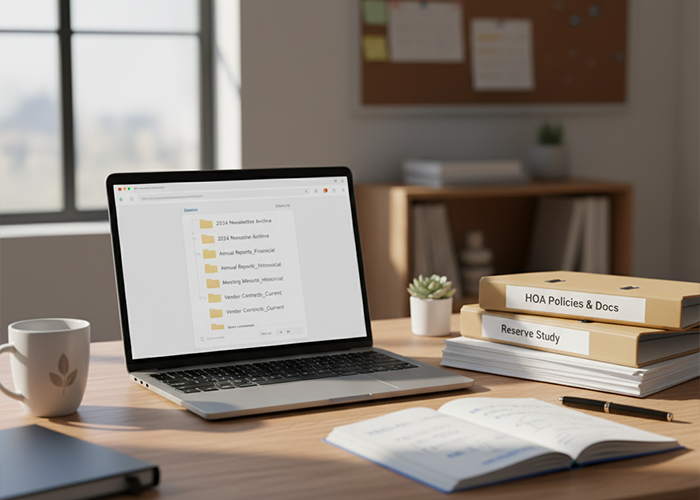
Great content should work twice. Turn a long board recap into a short highlight for the next issue. Slice a safety article into a seasonal reminder six months later.
Keep a simple archive by category. Future editors will thank you, and residents can search past HOA news when they need details.
Subject Lines That Work
Subject lines work best when they promise a clear benefit. Keep them specific, short, and honest.
Try formats like these:
- “Street repair map for May 12 to May 15”
- “Pool guest rules before Memorial Day weekend”
- “Board actions at a glance: April meeting”
- “Irrigation checks this week, what to expect”
Avoid vague labels like “Monthly newsletter.” Help residents decide fast.
Design Basics
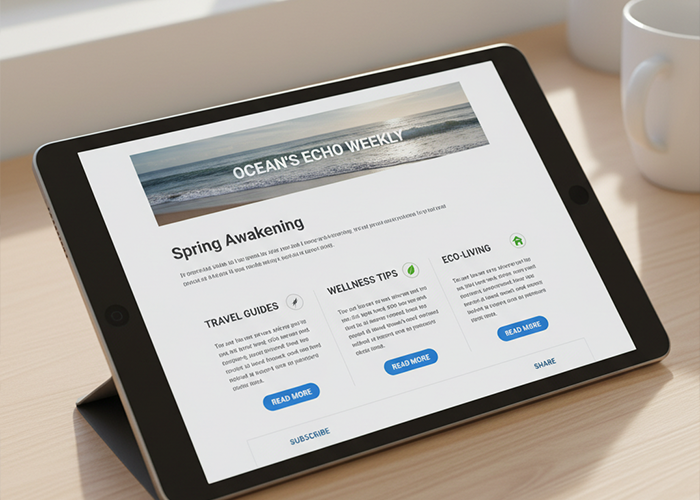
White space helps the eye rest. Use short sections, generous margins, and clear subheads. Buttons should look like buttons, and links should be obvious.
Color can guide attention, but it should never fight with text legibility. Test dark text on a light background and reverse it only for short banners.
If you include a banner image, keep it small so the message loads fast. Place the key text early for readers who preview emails.
Stay on Schedule
Give each issue a simple workflow: pitch, draft, legal or board review when required, proof, and send. Assign one owner, even if several people contribute.
Deadlines keep the machine running. Collect items on Thursday, draft Friday, review Monday, then send Tuesday morning. Adjust to fit your board calendar and service schedules.
Keep a shared checklist. It should include dates, link tests, alt text, and contact numbers.
Ask Residents

Short surveys help you pick topics that matter. One or two questions can guide your next lead story or event plan.
Place a poll at the end of the HOA newsletter. Ask what residents want next month or how useful a section felt. Close the loop by sharing results.
Keep it Consistent
Your HOA newsletter should fit within your overall plan for HOA communications. Use the same voice, consistent branding, and shared facts across email, portal posts, and notices.
Store final versions in one folder, labeled by date and topic. This creates a reliable record and simplifies future audits or board transitions.
Train a Backup
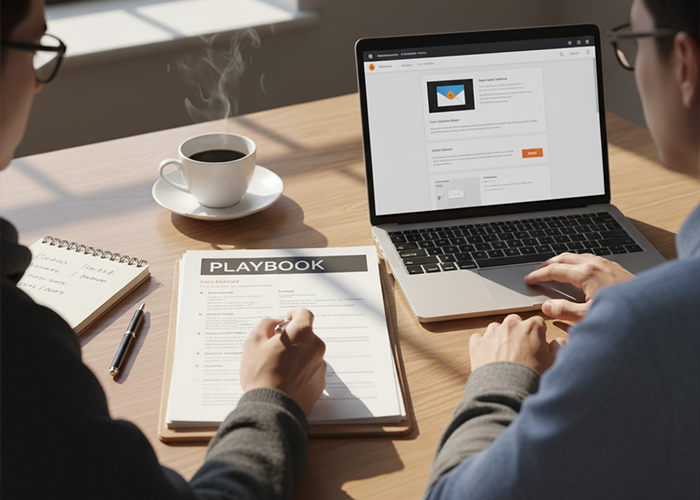
Turn your calendar and checklist into a short playbook. Include brand rules, tone guidelines, and who approves what. Add screenshots of your email tool.
Train a second person to step in when needed. With a backup, your newsletter does not stall during vacations or emergencies.
Keep it Human
Data helps you improve, but people read stories. Feature volunteers, celebrate small wins, and say thank you after big projects. A neighborly voice earns attention.
Close tough notes with a helpful next step. When rules are clear and the path is simple, compliance improves without drama.
Ready for the Next Issue
With a steady calendar and focused metrics, your HOA newsletter becomes a reliable service, not just another email. Keep it simple, keep it useful, and iterate with each issue.
Need professional expertise in planning and creating your community newsletter? Personalized Property Management offers HOA management services around Southern California. Call us at 760-325-9500 or email us at info@ppminternet.com for more information!
Related Articles:
- 13 HOA Committees Your Community Should Have
- HOA Website Cost: Is It Worth Spending The Budget On?
- HOA Board Duties: What To Expect From Your BOD